Customer Support Tools: The Complete Guide for Choosing the Right Software

Quick Answer: Customer support tools are software applications — helpdesks, live chat, knowledge bases, CRMs, and AI chatbots — that help businesses receive, organize, and resolve customer inquiries. Small businesses and WordPress/WooCommerce stores typically start with a ticketing system plus a knowledge base, while larger teams add live chat, CRM integration, automation, and reporting as ticket volume grows
Choosing customer support software can feel overwhelming because the category spans helpdesks, live chat widgets, shared inboxes, chatbots, and full CRM platforms, and many vendors blur the lines between them. This guide breaks down what customer support tools actually do, the main categories available in 2026, verified pricing for widely used platforms, and a practical framework for matching a tool to your business size and platform, including WordPress and WooCommerce.
What Are Customer Support Tools?

Customer support tools are software applications that help businesses receive, track, organize, and resolve customer inquiries across channels such as email, live chat, social media, and phone. At their core, they convert incoming questions into trackable records, often called tickets, route them to the right agent, and give teams a shared view of every customer conversation.
Customer support software versus customer service platforms: These terms are often used interchangeably, but customer support software usually refers to the tactical tools agents use daily, such as ticketing, live chat, and knowledge base tools, while customer service platform more often describes a broader suite that also includes CRM data, customer journey tracking, and cross-department workflows. Many vendors now sell both as bundled suites.
Customer support tools versus CRM: A CRM, or customer relationship management system, centers on sales and account data, such as deal stages, contact history, and revenue. Customer support software centers on service interactions, such as tickets, response times, and resolution status. Some platforms combine both, but a dedicated helpdesk is usually more efficient for high-volume support queues than a CRM retrofitted for tickets.
Read more: what is a support ticketing system
Why Businesses Use Customer Support Tools
Businesses adopt dedicated support software instead of a shared email inbox for a few concrete reasons: centralizing every channel into one queue, preventing dropped or duplicate replies, giving agents customer history and order context at a glance, and producing measurable data, such as response time, resolution time, and customer satisfaction, that shows whether support is actually improving. As ticket volume grows, a structured support system usually becomes more practical than managing requests through a conventional inbox, though small operations can sometimes get by with a shared inbox for longer than expected.
Main Types of Customer Support Tools
Rather than treating every communication channel as its own category, most buyers evaluate customer support software along these functional lines:
- Helpdesk and ticketing software: Converts inquiries from multiple channels into trackable tickets with status, priority, and assignment.
- Shared inbox tools: A lighter-weight alternative to full ticketing, built around a shared team email view.
- Live chat software: Real-time website or app messaging, often paired with a chatbot for after-hours coverage.
- Knowledge base and self-service tools: Searchable help centers that let customers solve issues without contacting an agent.
- AI chatbots and automation: Deflect repetitive questions using knowledge base content or generative AI.
- CRM and customer history tools: Surface prior purchases, past tickets, and account data inside the support workflow.
- Reporting and analytics: Track response time, resolution time, customer satisfaction, and agent performance.
- Omnichannel platforms: Unify email, chat, social, and sometimes phone into a single agent view.
- Ecommerce-specific helpdesks: Built around order data and refund or exchange workflows.
Most modern platforms combine several of these into one product rather than selling them separately, which is why comparison shopping should focus on which combination of categories a business actually needs.
How Each Category Fits Into a Support Workflow
- Helpdesk and ticketing systems: These form the backbone of most support operations. Every inquiry becomes a ticket with a status, owner, and priority, so nothing gets lost in a shared inbox.
- Live chat tools: These support real-time communication for pre-sale questions and urgent issues, and are increasingly paired with a chatbot to handle after-hours volume.
- Knowledge bases: These support self-service by letting customers find answers without waiting for a reply, which reduces ticket volume for repetitive questions.
- Shared inbox tools: These help small teams collaborate on a single email address without a full ticketing system, useful before volume justifies a dedicated helpdesk.
- CRM and customer history: This context, such as past orders or previous tickets, lets agents resolve issues faster because they are not asking customers to repeat information already on file.
- AI and automation: These assist support workflows primarily by drafting replies, answering repetitive questions through a chatbot trained on a knowledge base, and generating help documentation faster than manual writing.
- Reporting and analytics: These measure support performance through metrics like response time, resolution time, and customer satisfaction, helping managers identify bottlenecks.
- Omnichannel support tools: These centralize conversations from email, chat, and social media into one queue so agents are not switching between separate apps.
If you’re building one on WordPress, this guide on setting up a WordPress AI knowledge base walks through the process.
How These Tools Were Evaluated
The tools below were compared based on ticketing capabilities, collaboration features, self-service options, AI and automation, ecommerce or CMS integrations, deployment model, pricing structure, and suitability for different team sizes. Pricing and feature availability were checked against publicly available vendor information as of August 2026 and may change over time; readers should confirm current details on each vendor’s own pricing page before purchasing.

Comparison of Popular Customer Support Tools
| Tool | Best For | Ticketing | Live Chat | Knowledge Base | AI Features | Pricing Model |
|---|---|---|---|---|---|---|
| Zendesk | Enterprise omnichannel support | Yes | Yes | Yes | Yes | Per agent, plus AI usage add-ons |
| Freshdesk | Growing support teams | Yes | Via Omni or Freshchat | Yes | Yes | Per agent |
| Help Scout | Small collaborative teams | Yes | Beacon widget | Yes | Yes | Free plus paid per-user plans |
| Intercom | SaaS and AI-first support | Yes | Yes | Yes | Yes | Per seat, plus AI usage |
| Gorgias | Ecommerce support | Yes | Yes | Yes | Yes | Usage or ticket-volume based |
| Zoho Desk | Budget-conscious teams | Yes | Available by plan | Yes | Yes | Free tier plus per-agent plans |
| Tidio | Live-chat-focused small businesses | Basic | Yes | Limited | Yes | Free tier plus conversation-based plans |
| Support Genix | WordPress and WooCommerce sites | Yes | Chatbot, not native live agent chat | Yes | Yes | Site-based, not per agent |
Recommended Customer Support Tools
Zendesk
Best for: Mid-market to enterprise teams needing full omnichannel support and advanced routing.
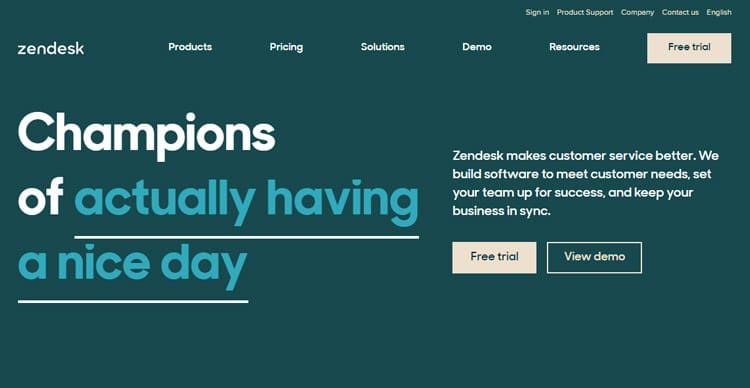
Zendesk is a mature customer service platform designed for teams that need structured ticketing, multiple support channels, routing, reporting, and enterprise-level administration. It suits mid-size and large support organizations where several agents, departments, brands, or customer channels need to work inside one centralized environment.
Its main strength is breadth. Zendesk combines ticket management, knowledge base functionality, messaging, automation, reporting, SLA controls, and a large integration ecosystem, letting teams gradually introduce more complex routing and AI-assisted workflows as support operations grow.
The trade-off is complexity and cost. Per-agent pricing and optional AI or advanced features can increase total spend as the team grows, while smaller businesses may not need the depth available in higher plans.
Key features: Multi-channel ticketing, help center and knowledge base, AI-assisted replies through a Copilot add-on, skills-based routing on higher tiers, and SLA management.
Pricing: Per agent, billed monthly or annually. The entry-level support-only plan starts around $19 per agent per month; Suite plans that add chat and omnichannel routing start higher, with top tiers reaching well over $100 per agent per month, and Enterprise pricing is quote-only.
Best suited for: Businesses with dedicated support teams of five or more agents needing enterprise-grade routing, compliance, or multi-brand support.
Freshdesk
Best for: Growing support teams wanting solid ticketing without the highest-tier enterprise price point.
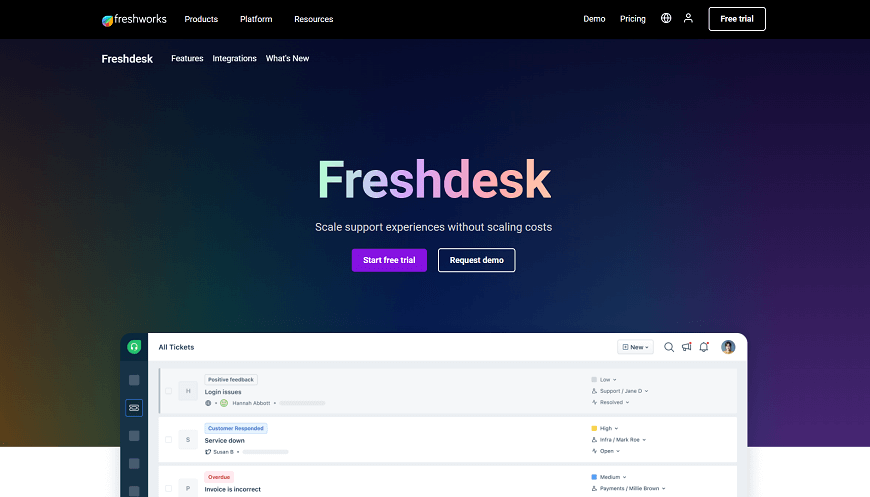
Freshdesk, by Freshworks, is a helpdesk platform offering ticketing, a customer portal, and automation, with an omnichannel version available for chat and messaging. It fits small to mid-size teams that want to add channels incrementally rather than adopt a full suite immediately.
Its core strength is straightforward, dependable ticketing at a lower entry price than several enterprise-focused competitors, along with a genuine six-month free program for very small teams testing the platform before committing.
The main consideration is that live chat requires a separate product or an upgrade to the omnichannel plan, and AI copilot features are billed as an add-on rather than included by default, which can add unexpected cost.
Key features: Email ticketing, a self-service portal, SLA and routing rules, an AI copilot add-on, and multilingual support.
Pricing: Per agent, billed monthly or annually, with a six-month free program for one to two agents, then paid tiers scaling from a lower entry price up through mid-range and enterprise levels as automation, reporting, and channel capacity increase.
Best suited for: Small to mid-size teams that want dependable ticketing and can add channels incrementally.
Help Scout
Best for: Small collaborative teams wanting a simple, email-like support experience.
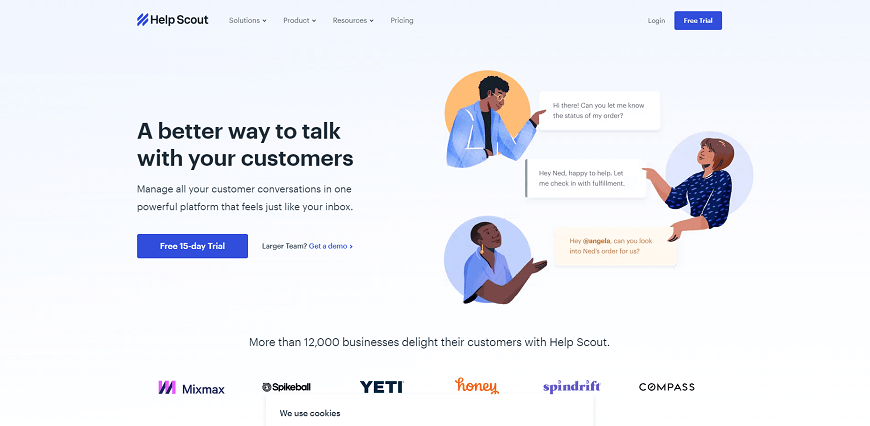
Help Scout is a shared-inbox-style support tool that combines email ticketing, a lightweight chat widget called Beacon, and a documentation tool for building a knowledge base. It is aimed at small teams, generally under about fifteen agents, that find full helpdesk software over-engineered.
Its strength is simplicity: a low learning curve, shared inboxes, saved replies, and a knowledge base site included on paid plans make it easy for small teams to get running quickly without heavy configuration.
The main consideration is that the Free plan caps monthly contact volume rather than offering unlimited usage, and paid tiers are priced per user with contact-volume and feature differences between them, so costs can rise as contact volume grows.
Key features: Shared inboxes, saved replies, basic workflows, an included knowledge base site on paid plans, and AI-assisted reply drafting.
Pricing: A Free plan is available for a small number of users with a limited number of monthly contacts; paid plans increase contact capacity and add more shared inboxes, workflow automation, integrations, and reporting history.
Best suited for: Small teams prioritizing simplicity over advanced automation.
Intercom
Best for: SaaS and product-led companies wanting chat-first support with AI resolution.
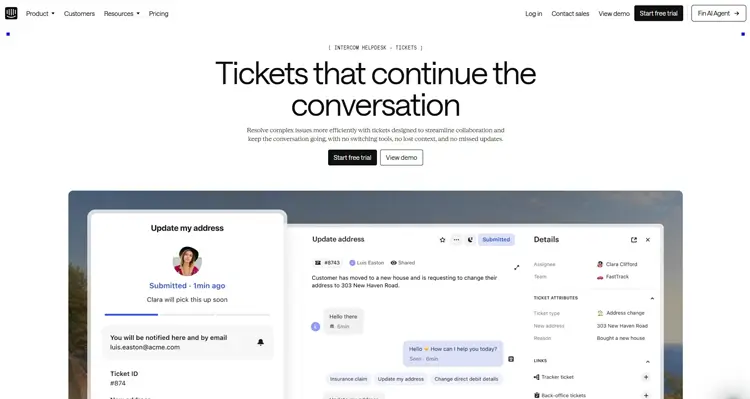
Intercom is a customer messaging platform built around live chat, with ticketing and an AI resolution agent layered on top. It is best suited to product-led SaaS teams whose support volume is concentrated in real-time chat rather than email.
Its main strength is AI-driven ticket deflection: the resolution agent can close out a meaningful share of conversations automatically, which is valuable for high-chat-volume businesses trying to control headcount growth.
The trade-off is cost predictability. There is no free plan, and the AI resolution agent is billed on a per-outcome basis, so total cost can be considerably higher than the advertised seat price once AI usage scales up.
Key features: Live chat, an AI agent that can resolve conversations automatically, a help center, ticketing, and proactive messaging.
Pricing: Per seat, billed monthly or annually, with tiers ranging from an entry-level plan through advanced and expert levels, plus separate per-resolution fees for AI-driven automation.
Best suited for: Chat-heavy SaaS teams comfortable with usage-based AI pricing.
Gorgias
Best for: Ecommerce merchants needing order-aware support.
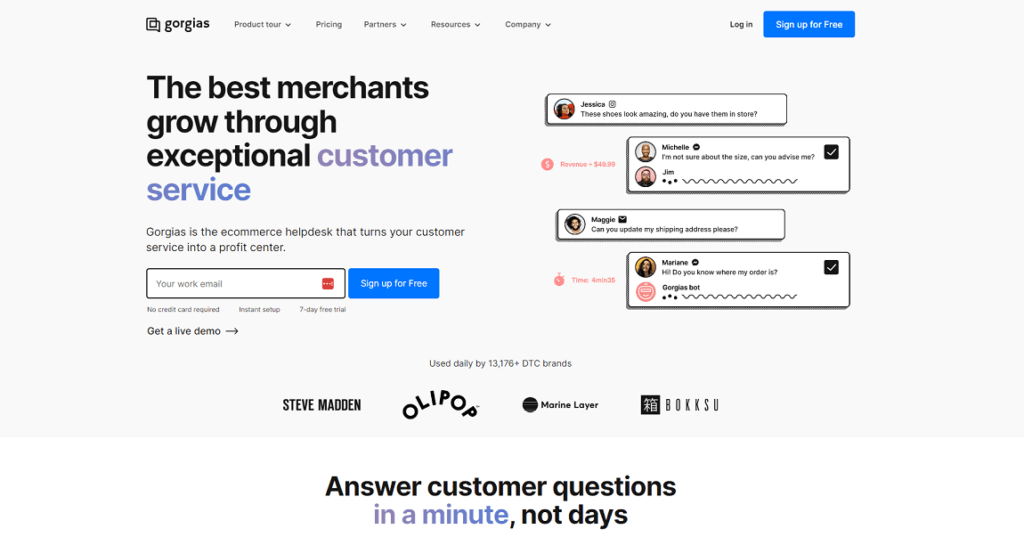
Gorgias is a helpdesk built specifically for online stores, surfacing order and customer data directly inside support tickets. It is most relevant to ecommerce merchants, particularly on platforms like Shopify, whose support volume centers on order-related questions.
Its strength is ecommerce context: agents can see orders, refunds, and customer history without switching tools, and tiered plans can be matched to a store’s actual ticket volume rather than a flat agent count.
The consideration is that pricing is usage-based rather than a flat per-agent fee. The base helpdesk plan is priced by monthly ticket volume, and the AI agent adds a separate outcome-based fee for every ticket it resolves automatically, so total monthly cost depends heavily on both volume and automation rate.
Key features: Ticketing, live chat, macros and templates, an AI agent add-on, and native ecommerce platform integrations.
Pricing: Usage-based. Helpdesk costs depend on ticket volume, and the AI agent can add outcome-based charges on top of the base plan; check Gorgias’s own pricing calculator for an estimate based on actual monthly ticket volume.
Best suited for: Ecommerce merchants whose support volume centers on order-related questions.
Zoho Desk
Best for: Budget-conscious teams and businesses already using the Zoho ecosystem.
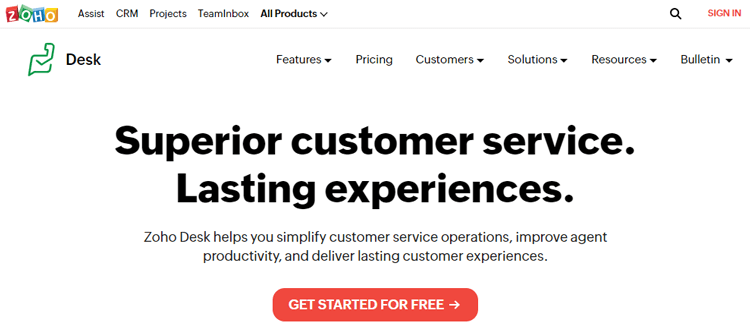
Zoho Desk is a helpdesk platform offering ticketing, a public knowledge base, and AI features on higher tiers. It works well for small businesses that want a genuinely free entry point and predictable per-agent scaling as they grow.
Its strength is affordability and simplicity: a free edition covers a small number of agents, and several paid tiers scale up gradually in both price and capability, which suits budget-conscious teams comparing options carefully.
The consideration is that the free tier is capped at a small number of agents rather than offering unlimited free usage, and live chat and AI features are gated to higher-priced tiers, so the free plan alone may not cover every workflow.
Key features: Email ticketing, a help center, workflow automation through blueprints, AI assistance on higher tiers, and telephony integration.
Pricing: Per agent, billed annually or monthly, with a free edition for a small number of agents and several paid tiers scaling up from there.
Best suited for: Small businesses wanting a genuinely free entry point, especially those already using other Zoho products.
Tidio
Best for: Small businesses wanting live chat plus a basic AI chatbot without a full helpdesk.
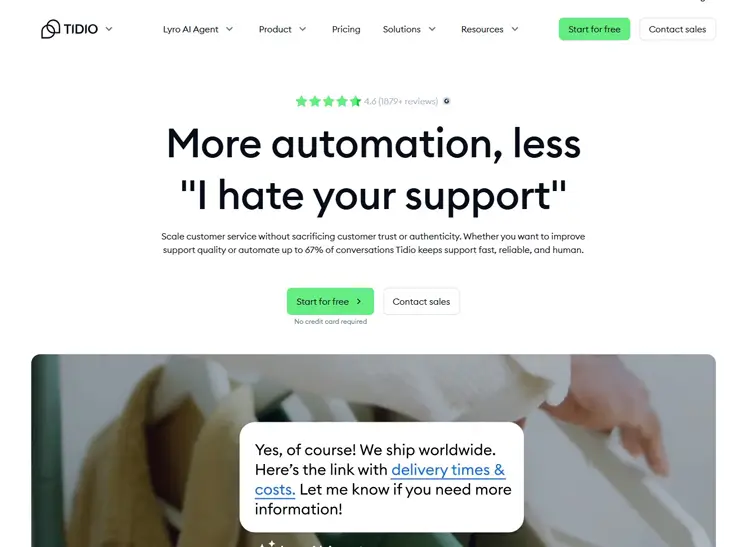
Tidio combines live chat, chatbot automation, and a lightweight ticketing layer aimed at small ecommerce and service businesses. It suits businesses whose support needs center on quick, real-time conversations rather than complex ticket workflows.
Its main strength is accessibility: a usable free tier and a relatively low starting price for paid plans make it approachable for very small teams or solo store owners.
The consideration is that AI and advanced automation flows are typically separate paid add-ons on top of the base plan, which can raise the effective monthly cost beyond the advertised starting price.
Key features: A live chat widget, chatbot flows, an AI conversational add-on, and basic ticketing.
Pricing: A Free plan is available with a limited conversation allowance; paid plans begin at a modest monthly rate and scale with conversation volume and add-ons. Exact conversation limits should be confirmed on the current pricing page before purchasing.
Best suited for: Small businesses or solo store owners wanting affordable live chat with light automation.
Support Genix
Best for: WordPress and WooCommerce site owners who want native ticketing without per-agent SaaS fees.
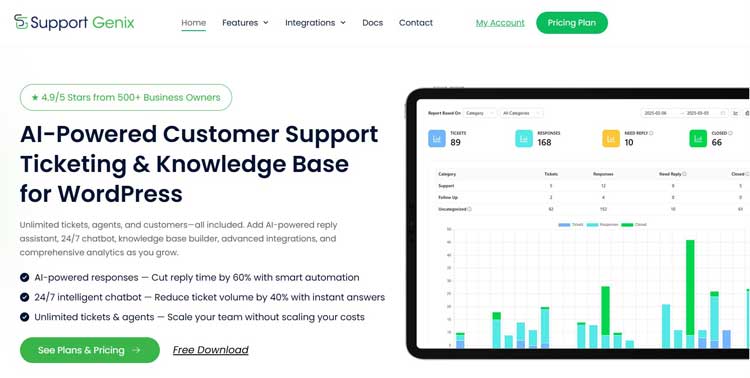
Support Genix is a WordPress plugin that adds a full support ticket system, an AI-powered chatbot, and a knowledge base directly inside the WordPress dashboard, keeping ticket data in the site’s own database rather than a third-party SaaS platform. It is aimed at WordPress-based small businesses and WooCommerce stores that would rather manage support inside their existing site than adopt a separate login.
Its main strength is a site-based pricing model with no per-agent fees, along with unlimited tickets, agents, and customers on both free and paid tiers, a built-in knowledge base with an AI writing assistant, and WooCommerce integration that surfaces customer order history inside tickets.
The consideration is that there is no native live chat widget; the AI chatbot answers from the knowledge base rather than routing to a live agent in real time, and some integrations and advanced automation features are limited to paid plans.
Key features: Unlimited tickets, agents, and customers, ticket categories and status tracking, a built-in AI-assisted knowledge base, an AI chatbot, and WooCommerce order-history integration.
Pricing: A free WordPress.org version is available. Paid plans use site-based rather than per-agent pricing, with current regular plans including a Developer tier at $99 per year for five websites and an Agency tier at $149 per year for one hundred websites; lifetime one-time payment options are also available. The official pricing page should be checked for current plan availability and any active promotional offers.
Best suited for: WordPress-based small businesses, digital product sellers, and WooCommerce stores that want ticketing, a knowledge base, and an AI chatbot without adopting a separate SaaS platform.
Support Genix
WordPress Support Ticket Plugin
Take Your Customer Support to The Next Level and Boost Customer Satisfaction Rates
Customer Support Tools for Small Businesses
Small businesses generally do not need a full omnichannel suite on day one. A practical starting stack is one ticketing tool plus a small knowledge base. These options can provide a low-cost or free starting point, although usage and feature limits vary by product, so it is worth checking agent caps, contact limits, and feature restrictions before committing. Add live chat only once website traffic and pre-sale questions justify the extra tool.
Customer Support Tools for Ecommerce and WooCommerce
Ecommerce businesses benefit most from tools that surface order data directly inside a ticket, since a large share of support volume relates to order status or refund questions. Shopify-centric stores often gravitate toward ecommerce-focused helpdesks like Gorgias for this reason.
WooCommerce stores can also use WordPress-native helpdesk plugins such as Support Genix to surface WooCommerce customer and order information inside the support workflow.
Customer Support Tools for WordPress
WordPress-based businesses can run their entire support workflow inside the CMS using a plugin such as Support Genix rather than adopting a separate SaaS login. This keeps ticket data in the site’s own database and avoids per-agent SaaS fees, letting ticket management, the knowledge base, and the customer support portal live on pages the business already controls. The tradeoff is that the business takes on hosting performance and plugin maintenance responsibility, which a fully hosted SaaS platform handles on the vendor’s behalf.
SaaS vs. WordPress-Native Customer Support Tools
SaaS helpdesks typically host customer and ticket data on the vendor’s own servers, and pricing usually scales per agent or per resolution. WordPress-native tools like Support Genix store ticket data in the business’s own WordPress database, and pricing is typically a flat, site-based fee rather than a per-agent charge.
Businesses with strict data-residency preferences or that want to avoid recurring per-agent costs often lean toward the WordPress-native model, while businesses needing enterprise compliance certifications or very large distributed teams often need the depth a mature SaaS platform provides.
How to Choose the Right Customer Support Tool
Start by counting current monthly ticket volume and agent headcount, since pricing models such as per-agent, flat-rate, or ticket-volume-based affect cost very differently at scale.
Then map required channels; if most inquiries already arrive by email and website contact form, a ticketing system with a knowledge base is often sufficient before adding live chat or omnichannel routing.
For ecommerce and WooCommerce stores, prioritize tools that show order history inside the ticket view. For WordPress-based businesses, weigh whether native ticketing, with no separate login and no per-agent fee, outweighs the broader feature depth of an established SaaS suite.
Customer Support Tool Evaluation Checklist
- Does pricing scale per agent, per ticket volume, or flat-rate, and which model fits your growth pattern?
- Is there a genuinely usable free plan or only a time-limited trial?
- Does the tool integrate with your ecommerce platform to show order history in tickets?
- Does it include a knowledge base for self-service, and is AI-based drafting or chatbot support included or an add-on?
- What are the SLA, routing, and reporting capabilities on the plan tier you would actually pay for, not just the top tier?
- Where is customer data hosted, and does that match your data-ownership or compliance requirements?
- What is the realistic all-in cost once AI add-ons, extra channels, or ticket overages are included?
Common Mistakes When Choosing Support Software
- Comparing Only the Starting Price: Don’t evaluate a support platform only by its advertised entry price. AI features, live chat, additional channels, higher ticket allowances, or automation may require separate plans or add-ons, making the actual cost significantly different from the headline price.
- Buying More Software Than the Team Needs: A small team handling mostly email tickets may not need a full omnichannel platform immediately. Start with the channels and workflows you actually use, then expand when ticket volume and support complexity justify additional features.
- Ignoring the Pricing Model: Per-agent, ticket-volume, outcome-based, and site-based pricing behave differently as a business grows. Compare the likely total cost based on your expected agent count and support volume rather than looking only at the cheapest starting plan.
- Overlooking Integrations: A tool may look strong on paper but create extra work if it cannot surface the customer, order, or account data your support agents regularly need.
- Ignoring Hosting and Data Requirements: SaaS platforms and self-hosted tools place different responsibilities on the business. Consider hosting, backups, maintenance, compliance, and data ownership before choosing a deployment model.
Frequently Asked Questions
What are customer support tools?
Customer support tools are software applications, including helpdesks, live chat, knowledge bases, CRMs, and chatbots, that help businesses receive, track, and resolve customer inquiries across channels like email, chat, and social media.
What are the main types of customer support tools?
The main types are helpdesk and ticketing software, shared inbox tools, live chat software, knowledge base and self-service tools, AI chatbots, CRM and customer history tools, reporting and analytics, and omnichannel platforms that combine several of these.
What is the best customer support tool for a small business?
There is no single best tool for every small business; the right choice depends on ticket volume and platform. Tools with usable free tiers can suit general small businesses, while WordPress-based businesses often prefer a native plugin to avoid per-agent SaaS fees.
What features should customer support software include?
At minimum, look for ticket organization with categories, priority, and status, a knowledge base for self-service, basic reporting on response and resolution time, and integration with the platforms you already use, such as an ecommerce store.
What is the difference between helpdesk software and a CRM?
Helpdesk software centers on managing and resolving service tickets, while a CRM centers on sales and account relationship data. Some platforms blend both, but dedicated helpdesks are typically more efficient for high-volume support queues.
Do ecommerce businesses need dedicated customer support software?
Not always at very low order volume, but once support requests regularly involve order status or refund questions, a tool that surfaces order data inside tickets meaningfully speeds up resolution.
Can WordPress be used as a customer support system?
Yes. Plugins such as Support Genix add a full ticketing system, knowledge base, and AI chatbot directly inside the WordPress dashboard, keeping support data in the site’s own database instead of a separate SaaS platform.
Are AI customer support tools replacing human agents?
Not entirely. Current AI features in leading platforms are designed to draft replies, answer repetitive questions from a knowledge base, and deflect simple tickets. They reduce workload on repetitive queries but still escalate complex issues to human agents.
Which Customer Support Tool Should You Choose?
Choosing customer support software comes down to matching ticket volume, platform, and budget model to the right category of tool, starting simple with a ticketing system and knowledge base, and adding live chat, CRM context, or omnichannel routing only once volume justifies it.
For WordPress and WooCommerce businesses specifically, a WordPress-native option such as Support Genix is also worth comparing with SaaS helpdesks if site-based pricing, WordPress integration, and self-hosted support data are priorities.